Website migration can feel risky, especially when businesses worry about losing rankings, traffic, and leads. Even small mistakes during the process can impact search visibility and user experience. From broken links to missing pages, a poorly managed transition can affect your website’s performance. That is why many businesses choose to work with a professional Website Design Company in UAE to ensure a smooth and secure transition.
The good news is that a well-planned migration can actually improve your website. With the right strategy, you can enhance site speed, improve user experience, and protect your SEO value. Whether you are changing your domain, upgrading your platform, or planning a full website redesign migration, this guide will help you maintain traffic and achieve a successful transition without unnecessary risks.
What is Website Migration?
Website migration refers to major changes made to a website that can affect its structure, performance, or visibility in search engines.
Common types include:
- Domain change
- Hosting/server migration
- CMS/platform upgrade
- Structural or design changes
A well-planned site transition ensures that both users and search engines can easily adapt to the updates.
Why Website Changes Can Impact Traffic
When a website is updated without planning, it can cause:
- Broken pages
- Loss of rankings
- Slow loading times
- Poor user experience
This is why following a structured website migration checklist is important before making any changes.
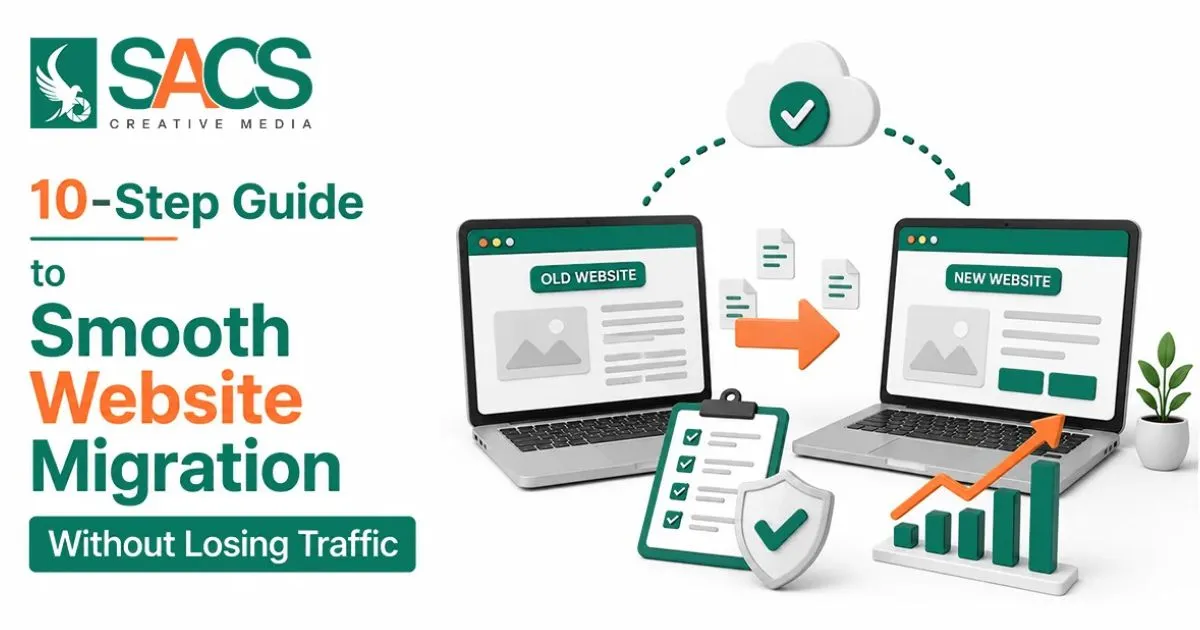
10-Step Guide to Smooth Website Migration Without Losing Traffic
1. Set Clear Goals for the Migration
Start by defining why you are making changes.
Are you:
- Improving design?
- Moving to a faster platform?
- Fixing SEO issues?
A clear goal helps you build a strong website migration strategy and avoid unnecessary risks.
2. Perform a Full Website Audit
Before making any updates, review your current website.
Focus on:
- High-traffic pages
- Ranking keywords
- Backlinks
- Technical issues
This step helps you understand what must be protected during the transition.
3. Build a Detailed Migration Checklist
A proper website migration checklist keeps everything organized and reduces mistakes.
Your checklist should include:
- URL mapping
- Content backup
- Redirect planning
- SEO checks
Planning ahead saves time and prevents errors later.
4. Backup Everything
Always create a complete backup before starting.
Include:
- Website files
- Database
- Images and videos
If anything goes wrong during the site transfer, you can quickly restore your data.
5. Map URLs and Set Redirects
URL mapping is one of the most important parts of any site migration.
Make sure to:
- Match old URLs with new ones
- Use 301 redirects
- Avoid redirect chains
This ensures users and search engines find the correct pages without errors.
6. Preserve On-Page SEO Elements
Before launching the new version, check all SEO elements:
- Page titles
- Meta descriptions
- Heading tags
- Internal links
A strong website migration strategy ensures that your SEO value is not lost during the process.
7. Test the New Website Thoroughly
Testing helps you catch problems early.
Check:
- Page speed
- Mobile responsiveness
- Navigation flow
- Contact forms
Fix all issues before going live to ensure a smooth user experience.
8. Launch at the Right Time
Choose a low-traffic period to launch your updated site.
This reduces the risk of impacting too many users if something unexpected happens.
9. Monitor Performance Closely
After launching your website redesign migration, keep a close eye on performance.
Track:
- Traffic changes
- Keyword rankings
- Crawl errors
- Indexing status
Use tools like Google Search Console and analytics platforms to monitor progress.
10. Fix Issues Quickly
Even with careful planning, small issues can occur.
Act fast to:
- Fix broken links
- Update redirects
- Improve load speed
Quick fixes help maintain rankings and user trust.
Website Migration Checklist (Quick Overview)
Here’s a simple version of a website migration checklist you can follow:
- Audit current website
- Backup all data
- Map URLs
- Set redirects
- Optimize SEO elements
- Test website
- Launch during low traffic
- Monitor performance
- Fix issues
Best Strategy for a Successful Website Transition
A successful website migration strategy focuses on three key areas:
1. Planning and Preparation
Rushing can lead to mistakes. Always plan every step carefully.
2. SEO Protection
Maintain:
- Content quality
- URL structure
- Internal linking
3. Ongoing Monitoring
After launch, tracking performance is essential to ensure stability.
Website Redesign Migration: Key Considerations
A website redesign migration is one of the most common types of updates.
While redesigning, be careful not to:
- Remove high-performing content
- Change URLs without redirects
- Ignore mobile optimization
The goal is to improve design without harming visibility.
Common Mistakes to Avoid
Many businesses lose traffic due to simple mistakes.
Avoid:
- Missing redirects
- Ignoring technical SEO
- Skipping testing
- Not backing up data
- Failing to monitor performance
Avoiding these issues can make your transition much smoother.
Benefits of a Well-Planned Website Migration
When done correctly, a site transition can:
- Improve page speed
- Enhance user experience
- Increase search rankings
- Boost conversions
It’s not just a technical update, it’s an opportunity to grow your online presence.
Conclusion
A smooth website transition is possible with the right approach. By following a clear plan, using a structured website migration checklist, and applying a strong website migration strategy, you can avoid traffic loss and improve performance.
Take your time, test everything, and monitor results closely. Whether it’s a platform upgrade or a full website redesign migration, careful execution is the key to success.